
Using Dual Monitors Ergonomically
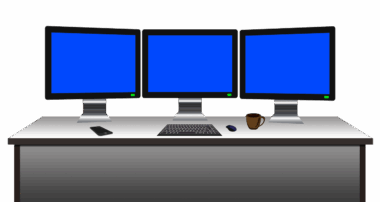
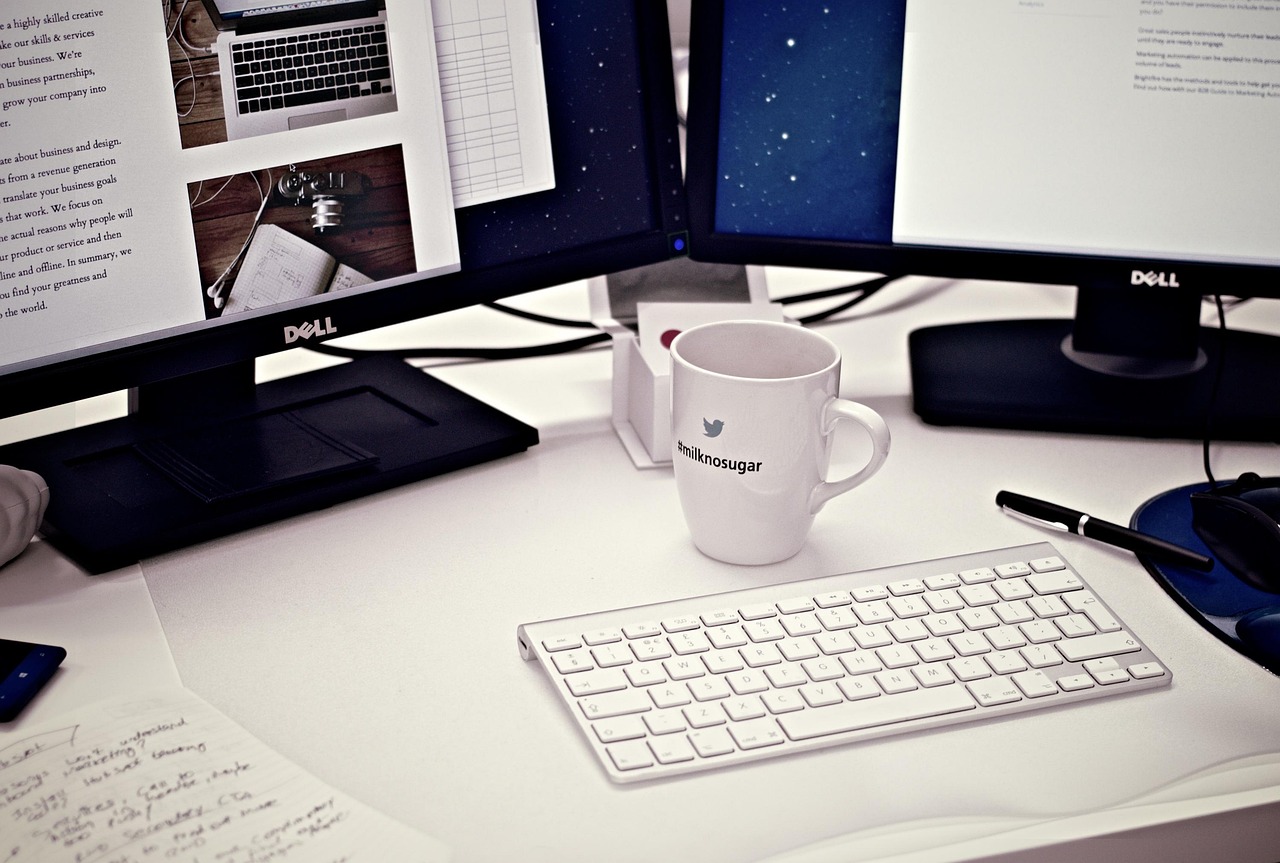
Setting up dual monitors in an ergonomic way can significantly increase your productivity while minimizing discomfort. Begin by positioning your monitors at eye level to prevent straining your neck. This means that the top of the screen should be at or just below eye level. Furthermore, maintain a distance of about an arm’s length away from the screen. This distance reduces eye strain and allows you to view both monitors comfortably without excessive movement. Consider adjusting the tilt of your monitors too; a slight angle can further enhance visibility and reduce glare. Remember, having your monitors aligned horizontally can facilitate better workflow. You can also experiment with the placement of your keyboard and mouse—ensure these are within easy reach. An adjustable chair is also essential for maintaining proper posture throughout the day. Invest in ergonomic accessories such as wristrests and monitor stands to ensure the best setup. Always take short breaks to walk around and stretch, as this keeps your body from stiffening and reduces fatigue during prolonged use of dual screens.
Additionally, consider the layout of your dual monitors for optimal efficiency. Placing one monitor directly in front of you and the other to the side can help maintain a more natural neck position while working. Adjust the brightness of both screens to minimize glare and prevent eye strain—balance is key to a comfortable viewing experience. Furthermore, using software tools that allow for easy window management can streamline your workflow. Explore the possibility of using virtual desktops or dedicated applications that enhance productivity. Adjust the resolution settings on both monitors to ensure consistency in display quality; mismatched resolutions can lead to unnecessary eye strain. Another tip is to use one screen for focused tasks and the other for supplementary information or reference materials. This keeps your workflow organized and reduces downtime spent switching between tasks. Explore the use of keyboard shortcuts or custom settings to enhance your interaction with both screens. Remember that customizing the layout according to your personal preferences is essential for comfort and effective usage during long working hours.
Conclusion on Comfort and Efficiency
Overall, when using dual monitors, your primary goal is to maintain comfort while ensuring efficiency. Ensure that your chair is properly adjusted to maintain a neutral spine position. Your feet should rest flat on the ground, and your knees should align with your hips. A good posture helps prevent musculoskeletal disorders, which are common in prolonged computer use. Make sure to have a dedicated workspace that supports your ergonomic setup. This means having enough desk space to accommodate both monitors without crowded conditions. Effective organization of your workspace also involves minimizing clutter to keep distractions at bay. Use cable management solutions to organize any wires that can cause tangles or hazards. Incorporate plants or personal items that inspire you, which can make your environment more pleasant to work in. Lastly, don’t forget about proper lighting in your workspace as well, since natural light reduces eye strain and creates a conducive working environment. By following these ergonomic tips, you can enjoy the benefits of dual monitors while maintaining good health and productivity levels.
Regularly reassess your workstation setup to ensure it remains ergonomic. As your work habits or tools change, your ergonomic requirements may also shift. This flexibility in adjusting your setup is fundamental for long-term health. Schedule regular breaks to stretch your arms, legs, and back—this practice is essential for maintaining mobility and reducing fatigue. Incorporate exercises that promote flexibility into your routine, as this can complement your workstation setup. Utilize resources online that provide ergonomic assessments or guidelines to help you continuously improve your work conditions. Attend workshops or webinars about workstation ergonomics to stay updated on the best practices in the industry. Engaging in community discussions or forums related to ergonomics can also provide insights and tips from other users. Keep in mind the importance of maintaining a personal balance; integrating exercise and breaks into your daily schedule fosters a healthier mindset. Finally, always remain mindful of how your body feels—adjust your setup as needed to accommodate any discomfort you may experience, ensuring that comfort and efficiency always come first while working with dual monitors.
Utilizing Ergonomic Tools effectively
Investing in ergonomic tools can substantially improve your comfort while using dual monitors. Products such as monitor risers, ergonomic keyboards, and mice are specifically designed to enhance user comfort and increase productivity. Monitor risers can help you position your monitors at an optimal height, thereby reducing neck strain. Likewise, an ergonomic keyboard can minimize wrist tension, promoting a healthier typing posture. When choosing a mouse, opt for one that fits comfortably in your hand to prevent repetitive strain injuries. Consider using a trackball mouse or an ergonomic vertical mouse, both of which can alleviate wrist strain. Also, experiment with different types of chairs—find one that provides adequate lumbar support and adjusts to your body shape and height. Remember that just adding ergonomic tools isn’t sufficient; it’s essential to use them correctly to achieve the intended benefit. Regularly assess how you feel while working and make the necessary adjustments. Keep in mind that ergonomics is a continuous process of improvement; what works today may need adjustment in the future depending on your needs and body changes.
Additionally, fostering awareness about your posture during work is crucial. Spend a moment periodically to check your body position—ensure your back is supported, feet are flat on the ground, and your arms are positioned comfortably on your desk or chair armrests. Your workstation should be tailored to promote a healthy posture without causing strain. Encourage your coworkers to be mindful of their setup too, creating a culture of ergonomics within your workplace. Organize group stretch sessions or talk sessions on ergonomics to share experiences and tips with each other. This not only supports individual well-being but fosters a sense of community focused on health. Incorporating these practices can make the workplace more productive and enjoyable for everyone involved. In addition, consider implementing standing desk options to allow for varied postures throughout the day. Alternating between sitting and standing can prevent prolonged static positions, which contribute to discomfort. Furthermore, technology-assisted reminders can prompt you to take breaks or change positions to maintain a healthy working routine. Investing in your ergonomics pays dividends in comfort, satisfaction, and productivity—all critical elements in a successful work life.
Final Thoughts on Ergonomic Practices
In conclusion, establishing an ergonomic dual monitor setup involves multiple factors that work synergistically to enhance comfort and productivity. Regular adjustments based on individual experiences greatly influence long-term health and well-being. Consider making it a habit to re-evaluate your workstation periodically as new tools emerge or as your work workload changes. Explore the potential of utilizing applications and software designed specifically to enhance multitasking and improve your workflow on multiple screens. Additionally, consider exploring other ergonomic tools that suit your working style as new products continuously enter the market. Keep in mind that ergonomics is not just about the physical aspects; mental well-being plays an essential role in overall productivity. Therefore, integrating mindfulness practices into your work life can further enhance your ergonomic experience. Make it a point to remain sensitive to the signs your body provides; if discomfort arises, take the opportunity to correct your posture or modify your working environment. Through these methods, you will be rewarded with a more comfortable and efficient experience while enjoying the benefits of your dual monitors. Making ergonomic considerations a priority helps in establishing a healthier and more productive workspace moving forward.
Ultimately, ergonomic awareness and practices should be seen as an ongoing journey rather than a destination. As you develop a clearer understanding of your own ergonomic needs, sharing this knowledge with colleagues creates an empowered work environment that promotes well-being and health continuously. Know that small changes to your workstation can yield significant improvements in comfort and productivity. Encourage personal adjustments through a trial-and-error approach; what works for you may differ from others based on individual habits and body types. This allows everyone to personalize their desktop experience fully and align it with their unique ergonomics. Lifestyle changes outside of work, such as regular exercise or mental breaks, complement your ergonomic practices and enhance overall well-being. Seek continuous education on ergonomic principles—not just for yourself, but also for the benefit of your coworkers. If your employer offers workshops or training on ergonomics, seize this as an opportunity to learn and grow. Ultimately, a commitment to improving your workstation ergonomics fosters not only individual productivity but also collective health in the workplace. Remember, taking steps today opens a pathway for enhanced comfort, efficiency, and health, creating better workdays ahead from day one onward.