
Adjusting Your Workstation to Prevent Fatigue
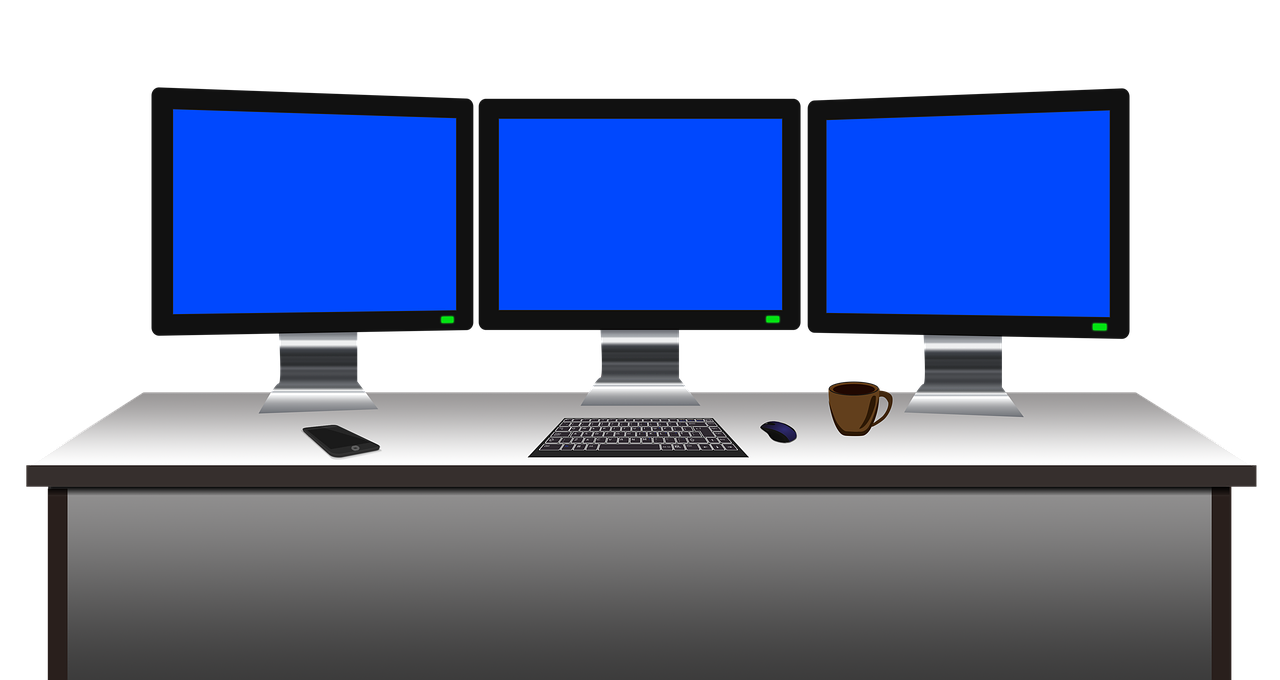
In today’s fast-paced work environment, ensuring your workstation is ergonomically optimized is essential for avoiding fatigue. One fundamental step is to maintain a proper chair height. Your feet should rest flat on the ground, or on a footrest. Moreover, adjust the backrest so it aligns with the natural curve of your spine, promoting comfort and support. It’s also crucial that your knees remain level with or slightly lower than your hips. The armrests should allow your shoulders to relax, with your elbows forming a right angle. Computer monitors should be placed at eye level, ideally about an arm’s length away. This positioning reduces the strain on your neck and eyes. To enhance your workstation setup, consider using a monitor stand or adhering to recommendations for adjustable desks. Ensure frequent breaks are integrated into your routine, allowing for stretching and movement. This practice can significantly reduce physical stress while improving your overall concentration and productivity. By adopting these ergonomic principles, you’ll not only mitigate the risk of fatigue but also create a more comfortable and efficient work environment that enhances your well-being throughout the day.
Beyond the chair and desk adjustments, pay close attention to your keyboard and mouse placement. Ideally, these tools should be situated at a height that allows your wrists to remain straight while typing. Use wrist rests if necessary, as they can further prevent strain during extended use. Your arms should comfortably hover above the keyboard, with your elbows bent at approximately 90 degrees. If you’re using a laptop, consider investing in an external keyboard and mouse to provide ergonomic advantages. This approach can be beneficial for maintaining proper posture and alleviating potential discomfort. Additionally, regularly changing your working posture is vital to preventing muscle fatigue. Stand-up desks offer versatility, enabling you to alternate between sitting and standing. This flexibility can help promote circulation, making you feel more alert. Integrating a few standing meetings can also help break the monotony of sitting for long periods. Keep your workspace organized, ensuring that all essential items are within easy reach to prevent twisting and straining movements. Decluttering your environment fosters mental clarity, leading to increased productivity. Prioritizing these workstation adjustments is crucial for creating a healthy workspace that supports your long-term well-being.
Lighting Considerations for Your Workspace
Proper lighting is another key element in achieving an ergonomic workstation just right for you. Poor lighting can contribute to eye strain, leading to fatigue and discomfort. Ideally, your workspace should maximize natural light as it has been shown to boost productivity and mood. Position your desk near a window when possible, but avoid glare on your computer screen. Consider using sheer curtains to diffuse harsh sunlight, ensuring a pleasant working atmosphere. For artificial lighting, opt for soft white bulbs that emulate daylight. Implementing task lighting, such as desk lamps with adjustable brightness, can be beneficial during non-daylight hours. Aim for uniform lighting that reduces sharp contrasts between lit and dark areas. This helps in minimizing fatigue, leading to improved concentration levels. Additionally, an anti-glare screen filter for your monitor can mitigate visual discomfort by reducing reflections caused by ambient light. Remember to take breaks and focus on distant objects, allowing your eyes to readjust periodically. Together, these efforts enhance your workspace’s lighting quality and promote an environment conducive to sustaining focus while minimizing fatigue throughout your workday.
Another critical factor to consider is the arrangement of your workspace peripherals. Start by placing your keyboard and mouse at the same level to encourage a neutral wrist position. This setup will help prevent discomfort during long working hours. Place your mouse close enough to your keyboard to allow seamless transitions between the two. In addition, utilizing a keyboard with adjustable height can provide more control over your ergonomic needs. Remember, the workspace should facilitate natural movements, reducing unnecessary arm or wrist strain. Moreover, investing in an ergonomic chair with lumbar support encourages optimal posture. When adjusting your chair, ensure your lower back is supported, promoting a straight posture while seated. Utilize seat cushions if needed for additional comfort. Furthermore, consider using cable management solutions to reduce clutter on your desk as a well-organized space can significantly enhance focus and efficiency. Minimizing distractions is vital for maintaining productivity. Coupled with an awareness of screen placements and regular breaks, applying these peripheral arrangements creates a well-designed and efficient workstation that supports better physical health and decreases fatigue both during and after work hours.
Implementing Breaks and Movement
Incorporating breaks into your working schedule is a cornerstone of maintaining productivity and reducing fatigue. Schedule brief 5-minute breaks every hour to stretch and move around; this helps alleviate muscle stiffness and mental fatigue. Setting reminders on your phone or using apps can assist in remembering to take those essential breaks. An excellent practice during these breaks is performing light stretches for your neck, back, and legs, which enhance blood flow and mobility. You can also take short walks, even if it’s just around your office, to invigorate your body. Regular movement not only refreshes your mind but aids concentration when returning to tasks. Implementing standing or walking meetings can transform your routine, ensuring you integrate movement into your workday. Beyond these breaks, consider adopting workplace challenges that encourage walking or stretching with colleagues, fostering a more lively atmosphere. These small adjustments accumulate, contributing significantly to decreased fatigue. Overall, consider each break an opportunity to revitalize, as a dynamic work approach enhances your productivity and keeps fatigue at bay while ensuring a sustainable work-life balance.
Nutrition plays an essential role in combating fatigue and is often overlooked in workstation setups. Ensuring you maintain a balanced diet can significantly impact energy levels and focus while working. Start by keeping healthy snacks readily available at your workstation; options like nuts, fruits, and yogurt are great choices. Hydration is equally crucial, so keep a water bottle within arm’s reach, encouraging regular intake throughout the day. This practice helps keep you alert and energetic, preventing the sluggishness that often accompanies dehydration. Meal prepping and planning will help maintain steady energy levels rather than relying on heavy meals that can induce fatigue. Incorporate brain-stimulating foods rich in omega-3 fatty acids, such as salmon and walnuts; these provide cognitive benefits while keeping you energized. Reducing caffeine and sugar intake can also lead to fewer energy crashes, enhancing focus. Embrace these nutritional adjustments as an integral part of your workstation setup, making sure to pair your physical environment with healthy eating habits. By fostering a nutrient-rich regimen alongside ergonomic practices, you create the foundation for sustained energy and wellness in the workplace.
Maintaining Overall Wellness
In addition to optimizing your workstation setup, maintaining overall wellness is crucial for combating fatigue. Consider integrating mindfulness practices into your daily routine. Simple techniques, such as deep breathing exercises or short meditation sessions, can significantly reduce stress levels. Implementing these practices within your workspace provides mental clarity and emotional stability without the need for extensive time commitments. Joining a workplace wellness program that emphasizes physical and mental well-being can also enhance this approach. Moreover, engaging in regular physical activity away from work fosters resilience, vital for combating fatigue. Aim for at least 150 minutes of moderate exercise weekly, focusing on activities that elevate your heart rate. Activities can include walking, cycling, or yoga, as these practices contribute to overall energy levels while enhancing physical strength. Adequate sleep is paramount; ensure you prioritize your rest by establishing a routine that promotes consistent sleep patterns. Each of these elements, from mindfulness to physical activity and restorative sleep, plays a vital role in enhancing your overall well-being. Together, these principles create a more balanced approach, fostering not only efficiency but also a healthier work-life dynamic.
Lastly, remember that consistent evaluation of your workstation setup is essential. Check your ergonomic arrangements periodically to ensure they continue to meet your needs, especially if experiencing discomfort. Sometimes, adjustments may be necessary due to physical changes or work habits. Engaging in regular assessments will help minimize the risk of chronic fatigue. Seek feedback from colleagues or ergonomic experts if available; they can offer insights to refine your workstation setup. Additionally, keeping an open line of communication with your employer about any discomfort can lead to workplace solutions that prioritize employee health. Introducing flexible workplace policies, such as adjustable workstations or wellness resources, can enhance the overall work environment. By being proactive in making adjustments and communicating needs, you foster a culture of well-being that benefits everyone involved. Ultimately, remember that fatigue should not be an accepted part of your work life; rather, it should be actively addressed. Combining ergonomic principles, mindfulness, nutrition, and periodic assessments creates a comprehensive approach that assures you remain productive and healthy in your professional endeavors.